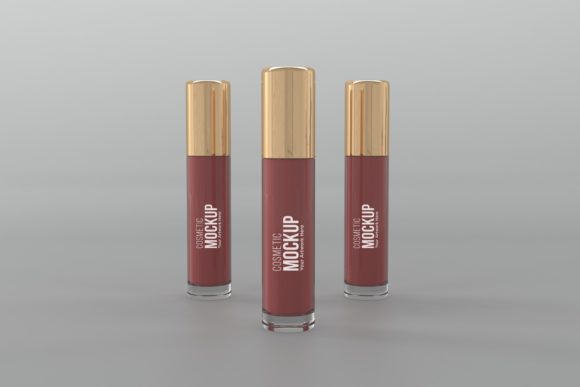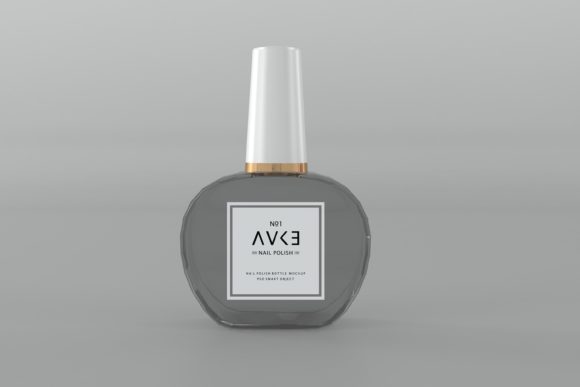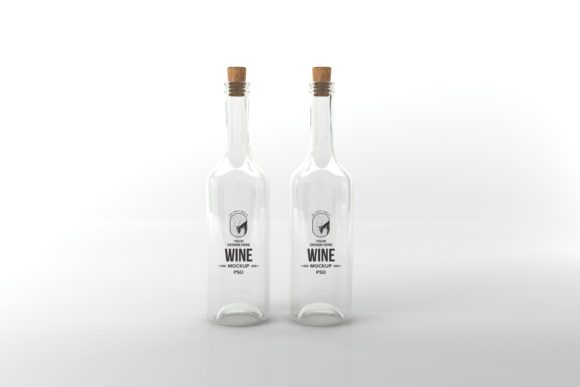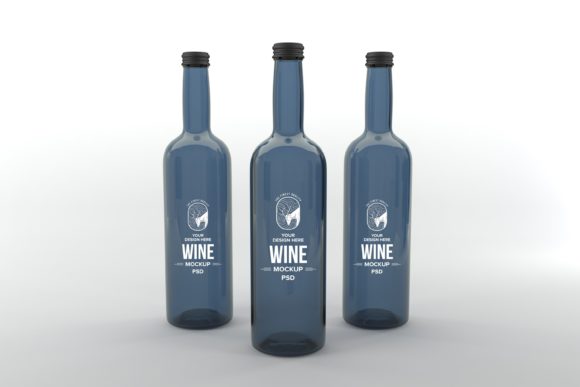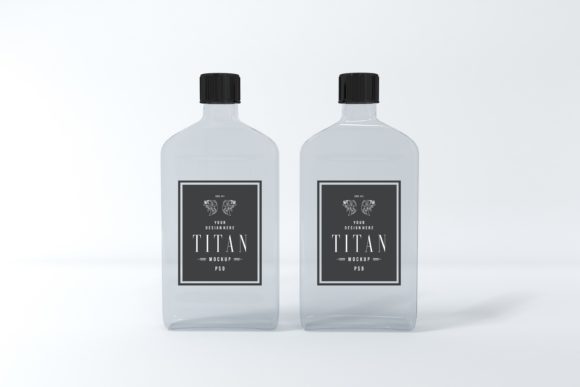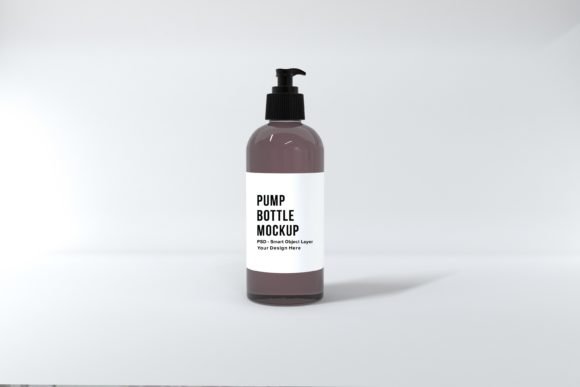
Pump Bottle Mockup: Showcase Your Branding with Realistic 3D Style
Imagine presenting your latest label design on a sleek, photorealistic bottle that looks ready to be picked off the shelf. That's the immediate impact a high-quality mockup can have on your client presentations or portfolio. For designers working on packaging, cosmetics, or any bottled product, finding the right presentation tool is key to making artwork look its absolute best. This is where a dedicated Pump Bottle Mockup becomes an invaluable asset, offering a polished and professional stage for your creative work.
Unlike generic 3D renders that can sometimes feel sterile or disconnected, a thoughtfully crafted mockup provides context and realism. It bridges the gap between a flat design file and a tangible product, helping clients and customers visualize the end result. This particular asset is designed as a PSD Smart Object layered Photoshop file, making it incredibly straightforward to use. Simply open the file, navigate to the smart object layer, and drop in your label design, artwork, or prints. The high-resolution 3D rendering does the rest, giving your design a convincing, lifelike quality.
Why a Realistic Mockup Elevates Your Design Projects
The value of a great mockup extends far beyond a simple preview. It's a powerful tool for brand identity and packaging design projects, allowing you to test how your typography and graphics interact with the bottle's form, lighting, and reflections. Seeing your modern typography or handwritten font rendered on a curved surface can reveal insights about readability and visual flow that a flat canvas cannot. It’s also perfect for creating standout content for social media graphics, web design hero images, or printed marketing materials, ensuring your work always looks polished and professional.
The practical benefits are clear. Starting a presentation from scratch is time-consuming and often requires advanced 3D skills. A ready-to-use mockup saves valuable time and, in the long term, money. You can reuse it for multiple client projects or personal branding initiatives. The included high-resolution JPEG (5000 x 3333px) is perfect for large-format displays, while the layered PSD offers complete control. The minimalistic background ensures your design remains the star, making it a versatile choice for a wide range of creative font styles and color palettes.
Practical Tips for Choosing and Using Your Design Assets
When selecting any design asset, from a premium font to a mockup, consider its fit for your specific project. Here are a few actionable tips:
- Match the Mood: Does the mockup's style (sleek, rustic, industrial, minimalist) align with the brand's personality? A vintage-style serif font might pair better with a different bottle texture than a clean, sans serif font.
- Check Flexibility: Look for features like smart objects and high resolution. These allow for easy customization and ensure your final output is crisp for any use case, from a blog post to a large poster.
- Think About Pairing: Just like font pairing, consider how your label design interacts with the mockup's lighting and angles. Test different elements to see what creates the most harmonious and eye-catching result.
- Review the License: Ensure the asset's license covers your intended use, whether it's for personal projects, client work, or commercial products.
Ultimately, the right tools empower you to focus on creativity rather than technical hurdles. A well-designed mockup acts as a silent partner, enhancing your logo design, editorial design, or poster design with a layer of professionalism that builds trust. It helps maintain visual consistency across all brand touchpoints, reinforcing recognition and quality. By choosing assets that are both beautiful and functional, you streamline your workflow and ensure every piece of your design portfolio tells a compelling, polished story.