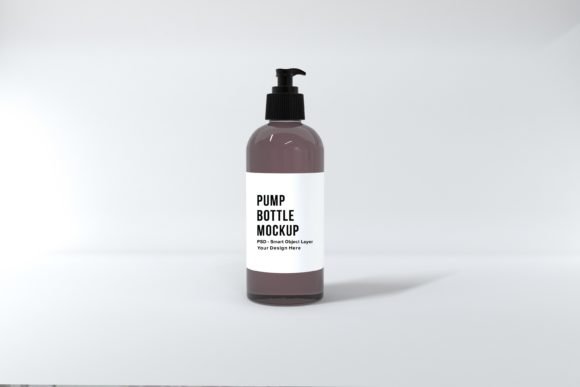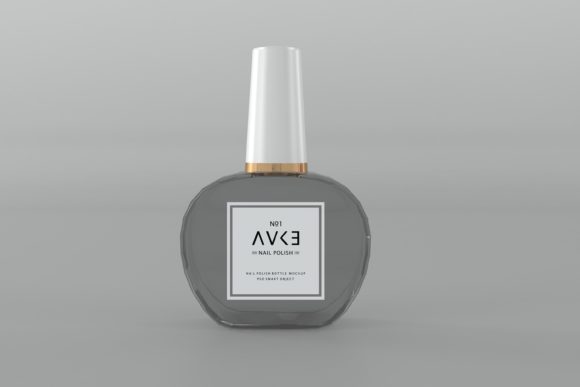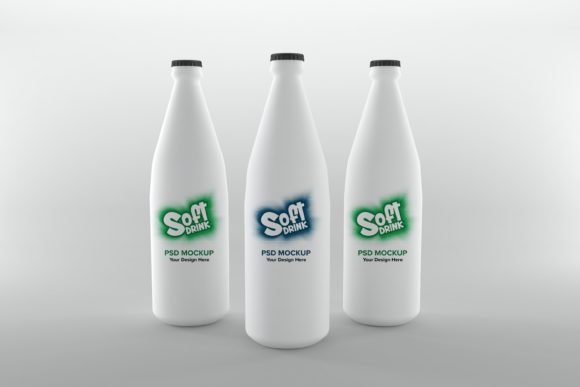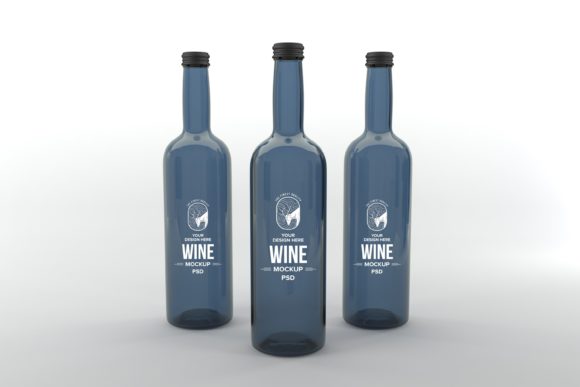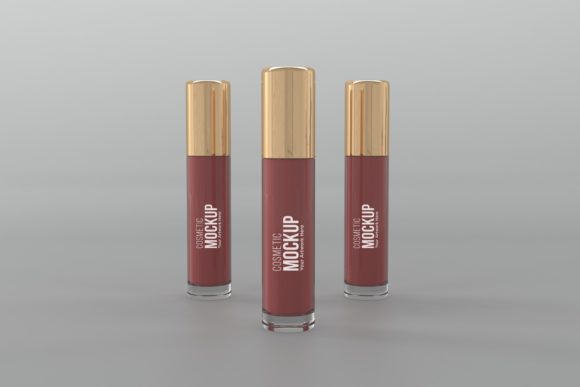
Cosmetic Three Bottle Mockup for Realistic Branding
Elevating your product presentation from concept to convincing reality often hinges on the quality of your mockup. For designers working in the beauty, skincare, or wellness industries, the Cosmetic Three Bottle Mockup offers a powerful tool to visualize branding with stunning, photorealistic detail. This isn't just another generic template; it's a meticulously crafted 3D render designed to make your label designs, artwork, and prints look professionally photographed, saving you immense time and resources.
Why Choose a Realistic 3D Rendered Mockup?
Many standard bottle mockups can appear flat or lack the nuanced lighting and shadows that make a product feel tangible. This mockup set files itself apart by providing a high-quality, 3D realistic render. The result is a presentation that communicates quality and craftsmanship, helping clients and customers immediately grasp the premium nature of your product. The minimalistic background ensures your design remains the absolute focus, creating a clean, modern aesthetic perfect for any portfolio or client presentation.
Practical Applications for Designers and Brands
This versatile asset is perfect for a wide range of creative projects. Imagine showcasing a complete cosmetic line for a branding project, or creating social media graphics that stop the scroll. The mockup's simplicity makes it ideal for:
- Brand Identity & Logo Design: Present your logo and label system in a real-world context to demonstrate versatility and application.
- Packaging Design: Perfect for visualizing bottles for serums, lotions, perfumes, or essential oils before going to print.
- Marketing & Web Design: Generate high-resolution images for websites, online stores, printed brochures, and blog features that look polished and professional.
- Social Media Content: Create consistent, eye-catching visuals for Instagram, Pinterest, or Facebook campaigns that highlight your product's appeal.
Efficiency Meets Creative Flexibility
One of the greatest advantages of using a PSD Smart Object layered file is the incredible efficiency it offers. Instead of building a scene from scratch, you can simply place your artwork into the designated Smart Layer in Adobe Photoshop. The mockup handles the perspective, lighting, and shadows automatically. This saves valuable design time, allowing you to iterate on designs quickly and present multiple concepts with ease. Furthermore, the high-resolution dimension of 5000 x 3333px ensures your final output is crisp and clear, whether viewed on a large monitor or in print.
Tips for Selecting and Using Your Mockup
When integrating any design asset into your workflow, consider a few key points to maximize its impact:
- Match the Mood: Ensure the mockup's style—its lighting, background, and bottle shape—aligns with the aesthetic of your brand or project, whether it's minimalist, luxurious, or organic.
- Test Readability: Before finalizing, check that any text on your label remains legible and clear when applied to the mockup's surface.
- Explore Pairings: Use this mockup to experiment with how different typefaces, from a modern sans serif to an elegant script font, interact with your overall packaging design.
- Verify the License: Always confirm that the asset's license permits your intended use, especially for commercial projects or client work.
Investing in a high-quality mockup is an investment in your professional presentation. It streamlines your creative process, enhances client communication, and ultimately helps build a stronger, more recognizable brand identity. The right tools don't just display your work; they amplify its impact and credibility, making your designs not just seen, but believed.