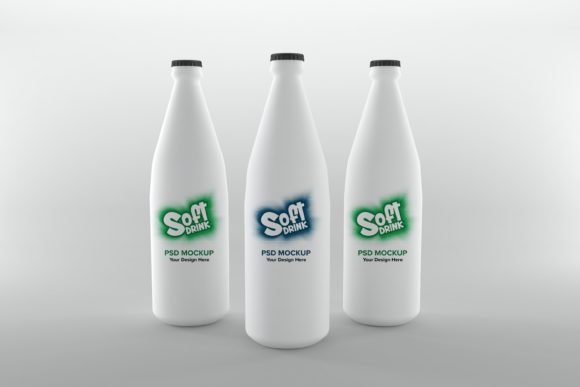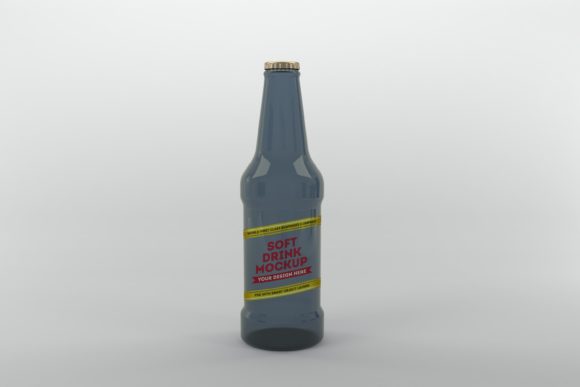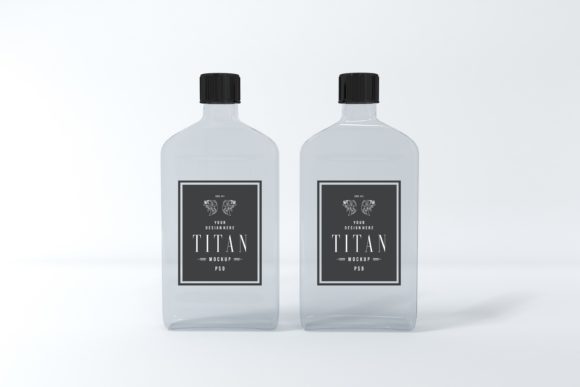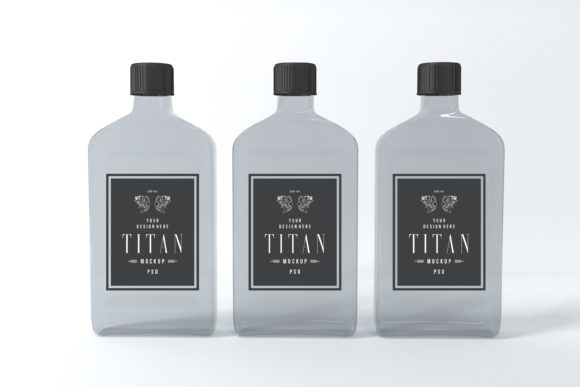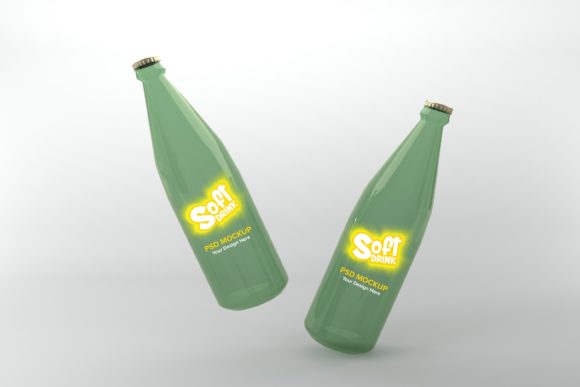
Soft Drink Two Bottle Mockup: Realistic 3D Branding Asset
Presenting your beverage label designs just got more impactful with the Soft Drink Two Bottle Mockup, a tool crafted for creators who demand realism and efficiency. This isn't your average flat template; it's a meticulously 3D realistic rendered scene that sets your work apart, giving clients and audiences an immediate, tangible feel for your final product.
Designed for branding projects and product presentations, this mockup bundle is a powerful design asset. Its primary strength lies in its photorealistic quality, which helps bridge the gap between a digital concept and a physical bottle. Whether you're finalizing a brand identity, creating packaging design comps, or building a portfolio, this resource provides a professional foundation.
Why Choose a Realistic 3D Rendered Mockup?
Many available bottle mockups are simple 3D renders that can appear artificial. This PSD file, with its high-resolution 3D realistic rendering, offers depth, lighting, and texture that make your artwork look outstanding. The minimalistic background ensures the focus remains entirely on your label design and logo design, making it versatile for various aesthetics—from sleek and modern to vintage-inspired.
The true value of a premium mockup like this is its reusability and time-saving nature. Instead of constructing a scene from scratch, which requires advanced 3D skills and hours of work, you can apply your design in moments. This efficiency is crucial for designers juggling multiple projects or iterations.
Practical Applications for Designers and Creators
This mockup serves a wide array of creative needs. Consider using it for:
- Client Presentations: Show a realistic product view to win approvals and communicate vision clearly.
- Portfolio Building: Elevate your case studies with polished, real-world applications of your typography and branding work.
- Marketing Material: Create compelling visuals for websites, social media graphics, printed catalogs, or blog posts about your design process.
- Pitch Decks: Enhance investor or stakeholder presentations with a tangible product visualization.
The inclusion of both a layered PSD file and a high-resolution JPEG (5000 x 3333px) offers flexibility. Use the Smart Object layer in Photoshop for quick edits, or use the JPEG directly for fast social media uploads. The process is simple: open the PSD, double-click the Smart Object layer, paste your artwork, save, and watch your design wrap perfectly around the bottle.
Tips for Selecting and Using Your Mockup
To get the most out of this design asset, keep a few practical tips in mind. First, ensure your label design's readability. Test your typeface and color choices against the mockup's lighting to confirm legibility. The mood of the mockup is clean and modern, so consider how your chosen font—whether a bold sans serif font, an elegant serif font, or a flowing script font—complements this setting.
Second, think about font pairing within your label. If your design uses multiple typefaces, the realistic bottle context is the perfect place to test their harmony. Finally, always check the license to ensure it covers your intended use, whether for commercial client work or personal projects.
Choosing the right presentation tools is as important as the design itself. A high-quality mockup like the Soft Drink Two Bottle Mockup enhances visual consistency, strengthens brand recognition, and delivers a professional presentation that builds trust. It’s a smart investment in your creative workflow, saving you time and money while ensuring your work looks its polished best.