Hen Laser Engrave File: Premium 3D Designs for Your Projects
Imagine transforming a simple piece of wood into a stunning, intricate piece of art with the push of a button. That’s the power of a high-quality laser engrave file, and our Hen Laser Engrave File is crafted to deliver exactly that. This isn't just another design asset; it's a specialized tool for creators who demand precision and depth in their work. Whether you're a seasoned maker or just starting your laser engraving journey, this premium PNG set is designed to elevate your craftsmanship and unlock new creative possibilities.
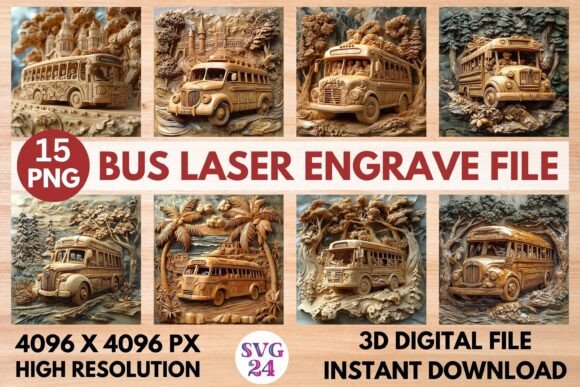
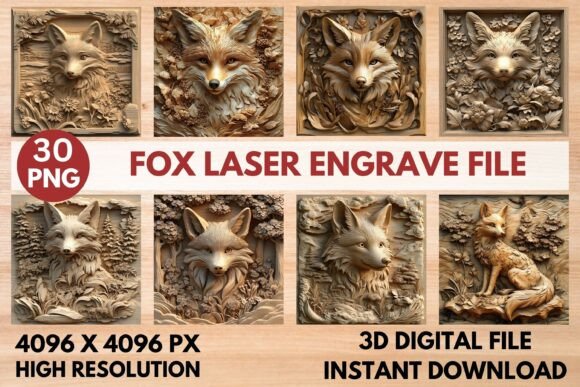
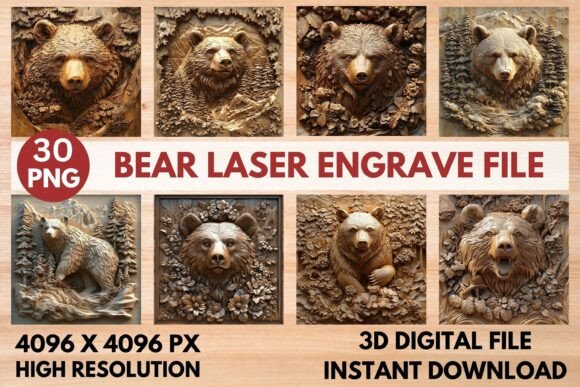
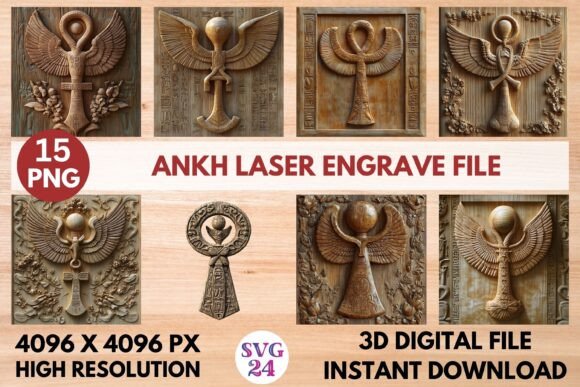
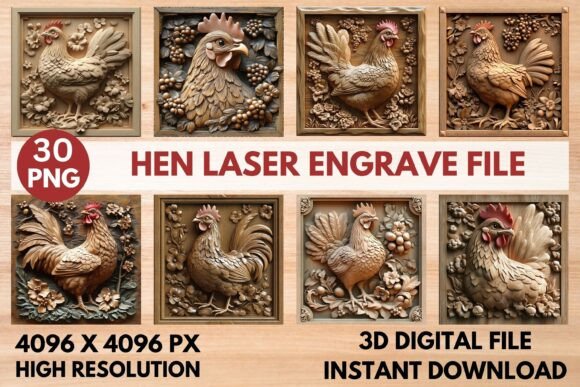
So, what exactly is this file? It’s a comprehensive, ready-to-print collection optimized specifically for laser engraving machines. You receive a zip file containing 15 coloring PNGs and 15 grayscale PNGs, all at a high resolution of 4096 x 4096 pixels with transparent backgrounds. This variety gives you incredible flexibility. Use the coloring files for projects where you might want to add paint or other materials post-engrave, or use the grayscale files for classic, detailed engravings with beautiful tonal depth. The design is meticulously crafted to ensure sharp, intricate results every time you run your laser.
Creative Uses for Your Laser Engrave Design
The applications for a versatile design like this are nearly endless. It’s a fantastic resource for anyone involved in home décor, custom gifts, or small business production. Consider these practical use cases:
- Home Décor & Wood Projects: Create stunning wall art, personalized signs, or decorative trays. The 3D effect adds a tactile, professional quality that flat designs can't match.
- Stationery & Paper Crafts: Engrave unique invitations, bookmarks, or journal covers that stand out with a luxurious, textured feel.
- Textile Art & Fashion: Use the design to create patterns for engraving on leather patches for bags or jackets, or on wooden buttons and accessories.
- Tableware & Packaging: Add an elegant, custom touch to wooden coasters, cheese boards, or branded packaging for a small business.
This design isn't just about a single project; it's about building a library of reliable, high-quality assets for your creative workflow.
Tips for Getting the Best Results
To ensure your project turns out perfectly, here are some actionable tips. First, always do a test engrave on a scrap piece of your material to dial in the settings. The included recommended settings for Glowforge and Lightburn are excellent starting points. For Glowforge, using Speed 1000, Power 90 with the Grayscale (Vary Power) setting often yields crisp results on lighter woods. In Lightburn, applying the Jarvis dither filter to the grayscale PNG is recommended for accurate detail.
Second, think about material choice. Lighter woods like maple or birch typically provide the best contrast and allow the intricate details of the design to shine. Finally, remember that this is an engrave file, not a cut file. It’s designed to add detail to a surface, not to cut through it. This distinction is key to using it correctly and achieving the intended professional effect.
Choosing the right design asset is about more than just the image—it's about reliability, quality, and creative potential. A well-crafted file like this becomes a trusted part of your toolkit, helping you produce consistent, eye-catching work that impresses clients and fulfills your own creative vision. It’s an investment in the polish and professionalism of every project you undertake. Thanks for choosing our designs to bring your ideas to life.